TipFlow Dashboard
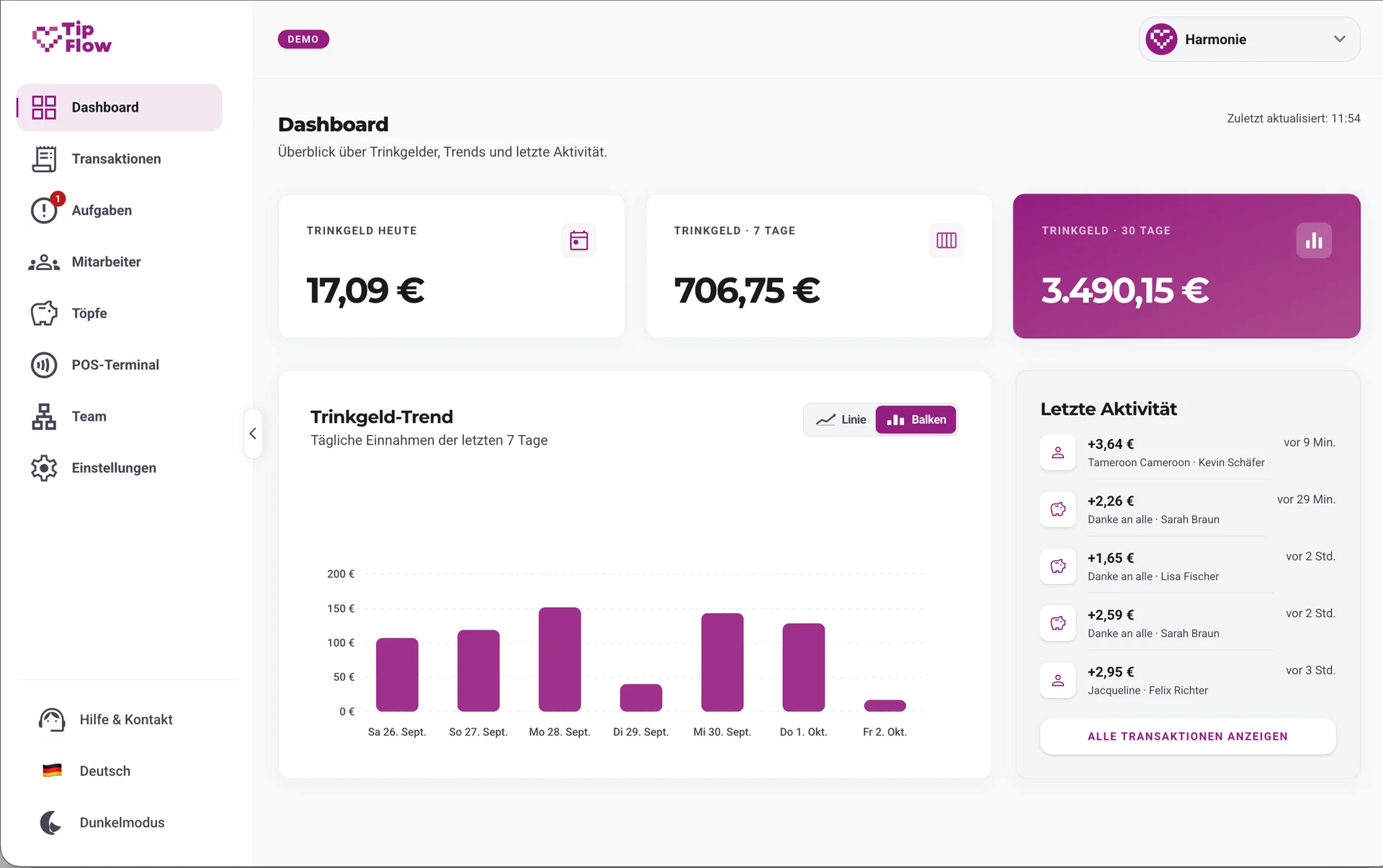
The TipFlow dashboard app is the central hub for managing tips: owners, managers and team leads create staff, send invites, build shared pots and review statistics. Staff manage their own data: keep an eye on tips, view payouts, set preferences and design their own profile picture and bio.
Dashboard features
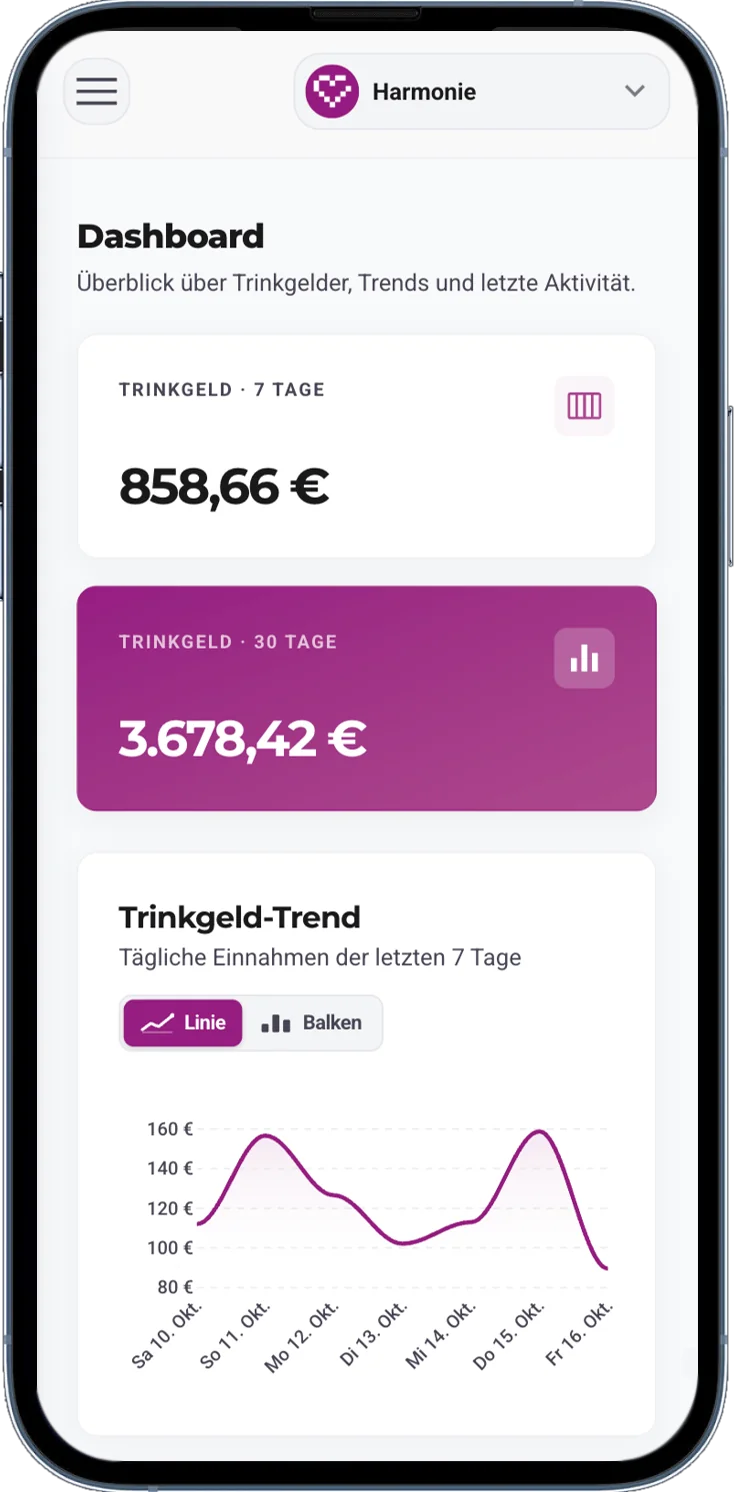
The TipFlow dashboard brings team management and personal tip tracking together in one place, tailored to each role and daily workflow.
Set up your venue in minutes, onboard staff and hardware, and keep every tip transaction transparent and searchable.
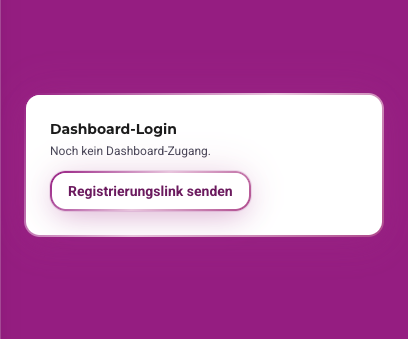
Invite team members to the TipFlow dashboard so they can manage their own profile and keep track of their tips and payouts independently.
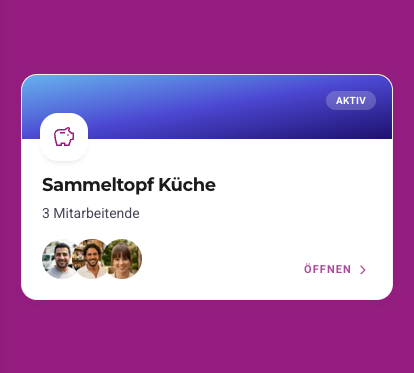
Create shared tipping pots and assign employees to collect and split tips fairly across shifts, departments or the entire venue.
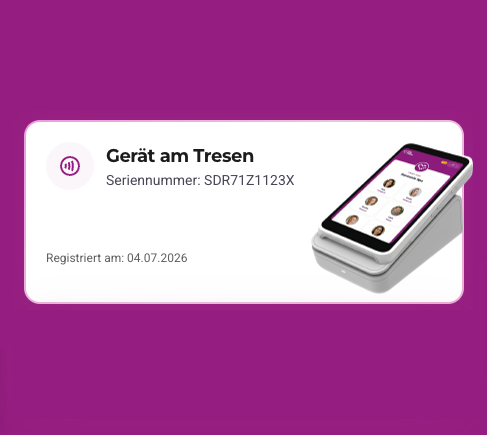
Add and configure your TipFlow Terminals, assign devices to staff members or shared pots, and monitor terminal status from one central view.
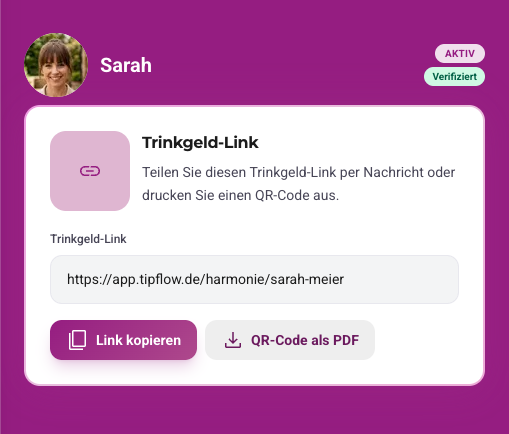
Download QR codes for individual employees or shared pots as a PDF, ready to print and place on table displays, stickers, receipts or badges.
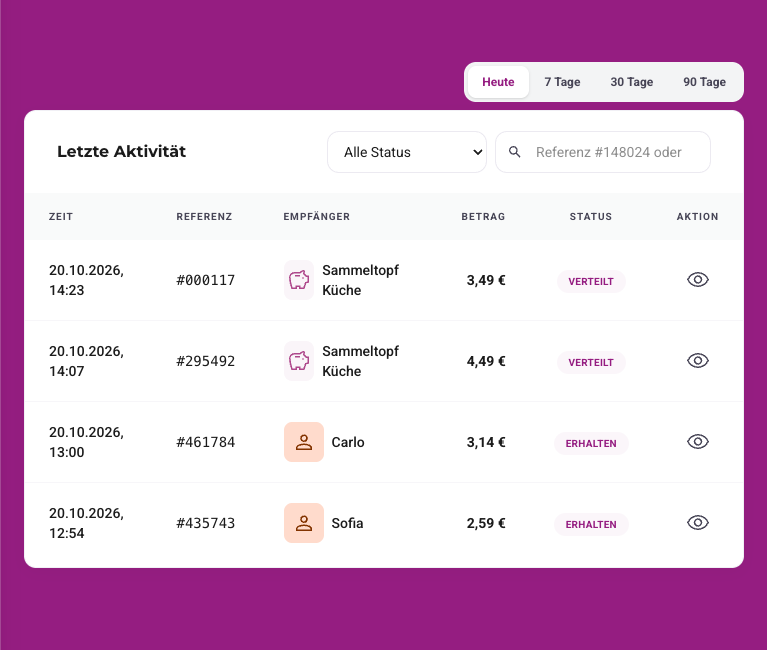
View, search and filter every tip transaction in real time by date range, employee, shared pot or payment status.
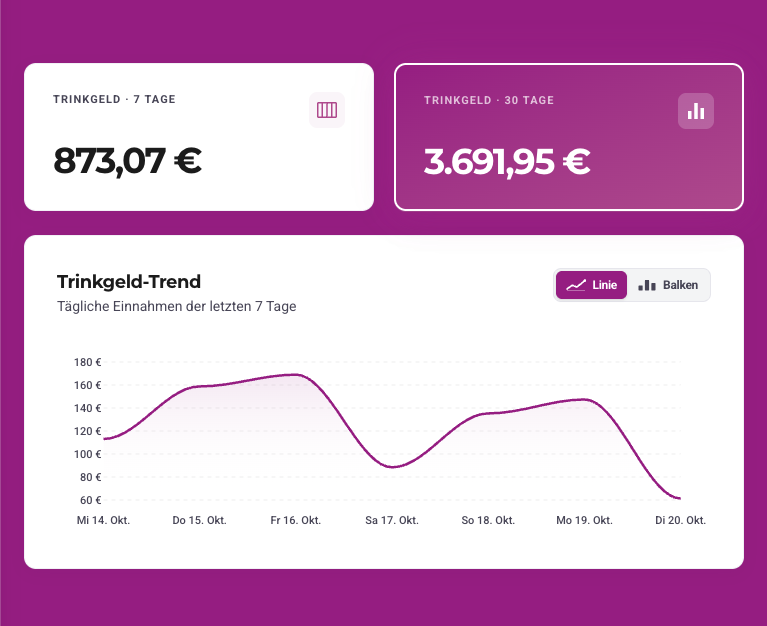
Access comprehensive statistics and reports on your tip volume to uncover trends, peak hours and team performance with more insight than ever.
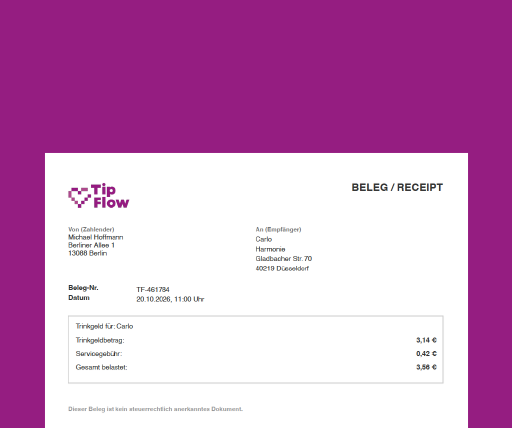
Generate official payment receipts in seconds whenever customers and guests request documentation of their tip for business expense reports.
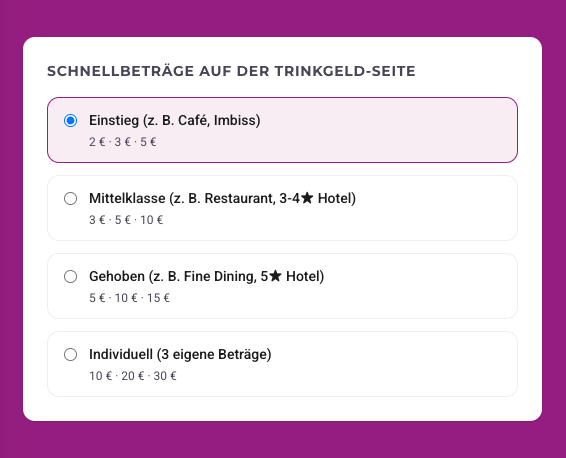
Customize preset tip amounts on your tipping pages, choose whether to display optional platform fee coverage to customers and guests, and fine-tune your defaults.
Every staff member gets a dedicated view with full visibility into incoming tips, upcoming bank payouts and their personal tipping page.
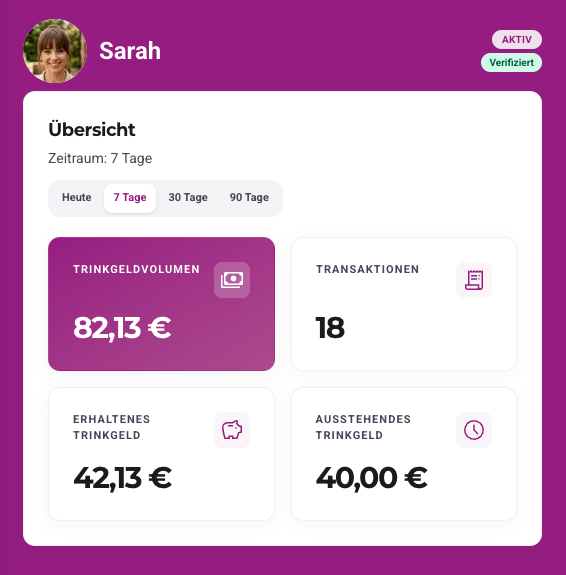
See every incoming tip transaction in real time and easily search or filter through your complete personal tipping history.
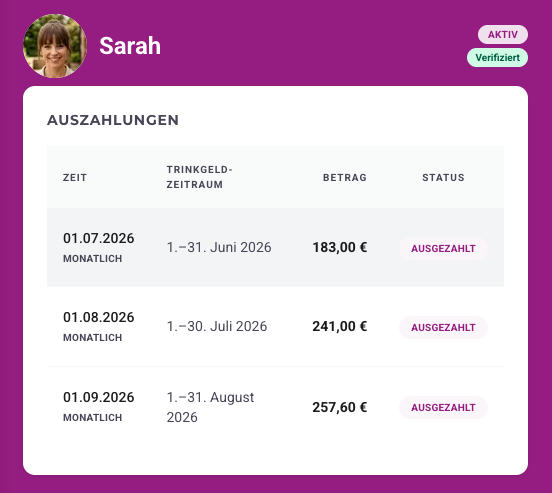
Review a complete history of your past payouts and see at a glance when your next payout arrives and how much it will be.
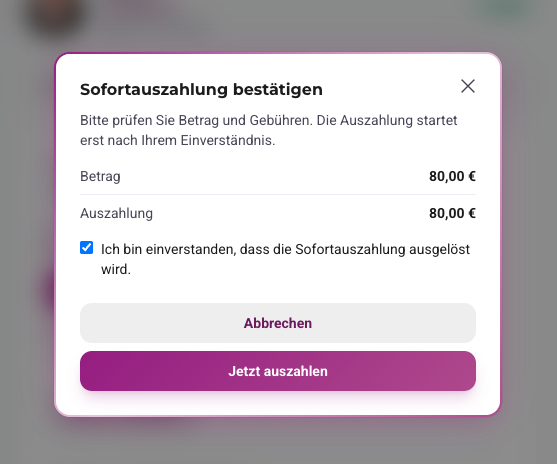
Don’t want to wait until the next automatic payout schedule starts? Instant payouts let you transfer your available tip balance right when you need it.
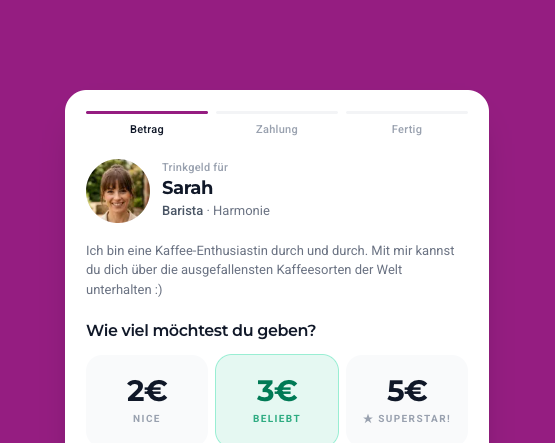
Add a profile picture and short bio to give your tipping page a personal touch so customers and guests immediately recognize who they are tipping.
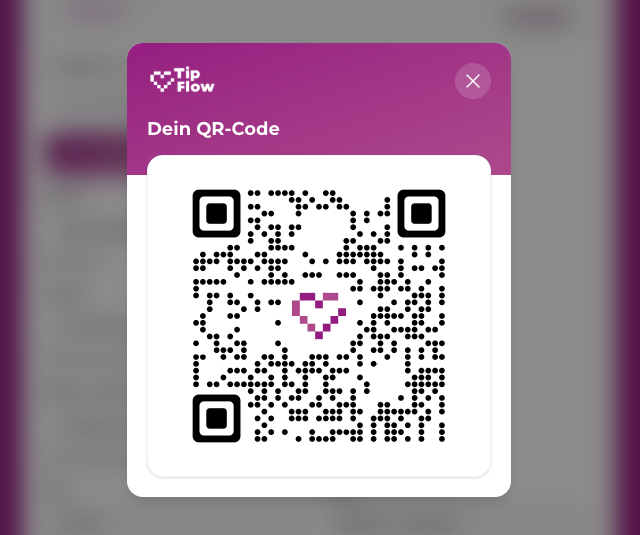
Download your personal QR code as a print-ready PDF, print it out and apply it wherever you want, from name badges to table cards.
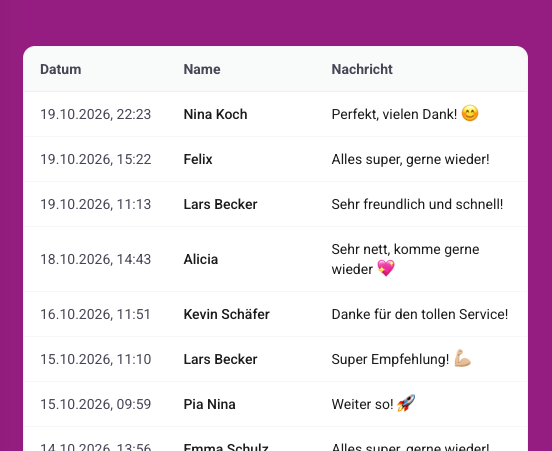
Read all the personal thank-you messages customers and guests have written for you when leaving a tip.
We are currently building the native TipFlow Dashboard app for iOS and Android. Soon, staff and managers will be able to check their tips, payouts and thank-you messages right from their home screen.
In development, not yet available for download
 1
1+€10.00 tip · “Thank you so much!”

Payout data is not public. TipFlow uses clear roles and EU hosting. Details are in the privacy notice.
Read privacy noticeIf your business uses TipFlow, check login, status and digital tips in the dashboard.
For payouts to your account, you complete payout onboarding once through TipFlow. Until then, limits may apply depending on status, you can track progress in the dashboard.
Your transactions are visible in the dashboard. Enhanced export and statement reports are in preparation, there is no DATEV integration yet. Contact support if you have questions.
Payout timing depends on the package and your payout onboarding status. We communicate monthly or weekly payouts by default, not a daily guarantee for every case.

Arrange a meeting with us free of obligation. We’ll show you how TipFlow can be seamlessly integrated into your business.